
Getting Ready for 1099s
Connie Wolf • February 2, 2026
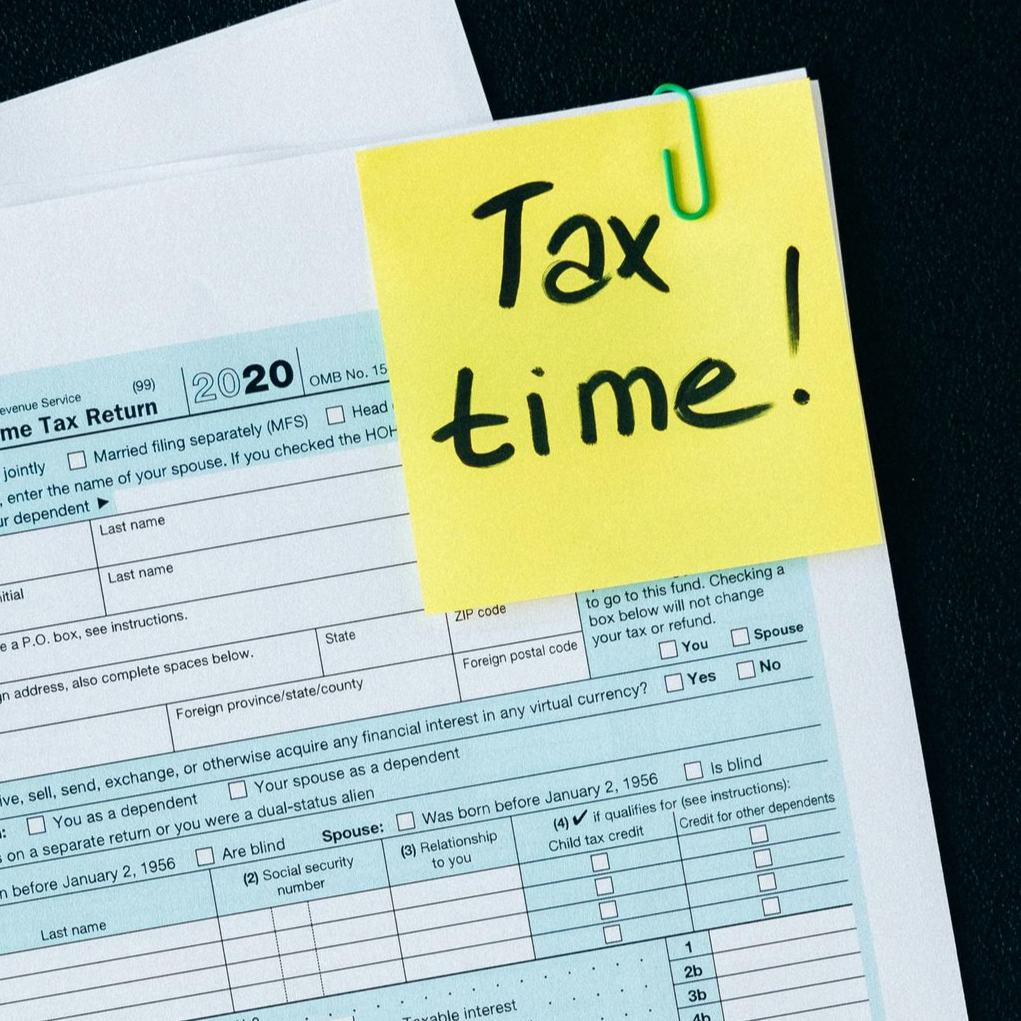
As year-end approaches, start looking at your QuickBooks file for 1099 recipients.
QuickBooks does have a 1099 summary report, however the eligible vendors must be set up correctly in order to show on that report.
In the vendor set up, click on Tax settings. Be sure to check the box that says, “vendor eligible for 1099” and enter the tax identification number.
It is important to receive a W9 form from each of your 1099 vendors to make sure of the entity type, the correct address and correct EIN or SS number are in your file.